
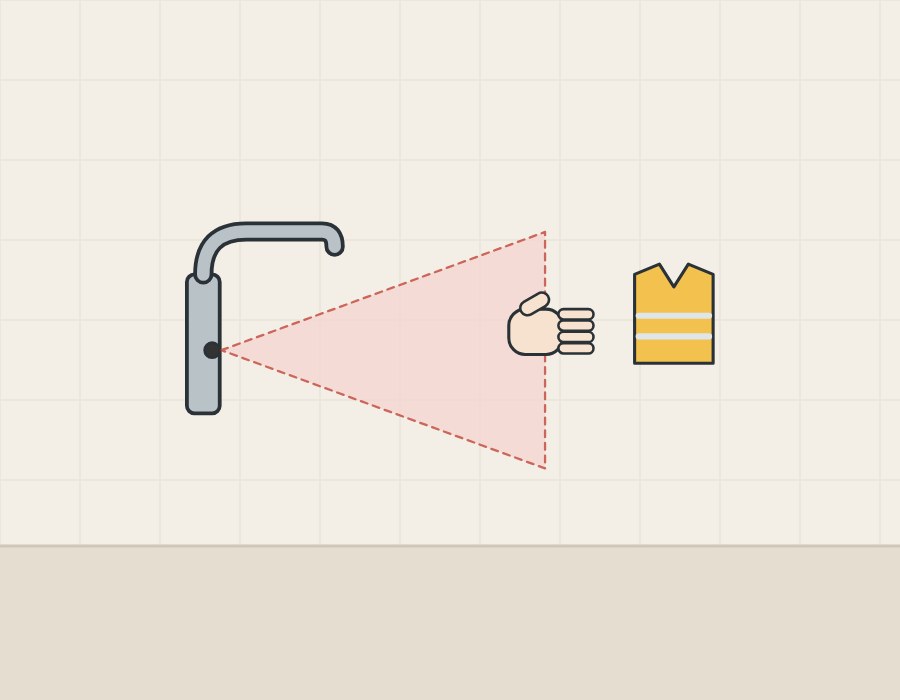
From sensor to water
How does an infrared faucet sense a hand?
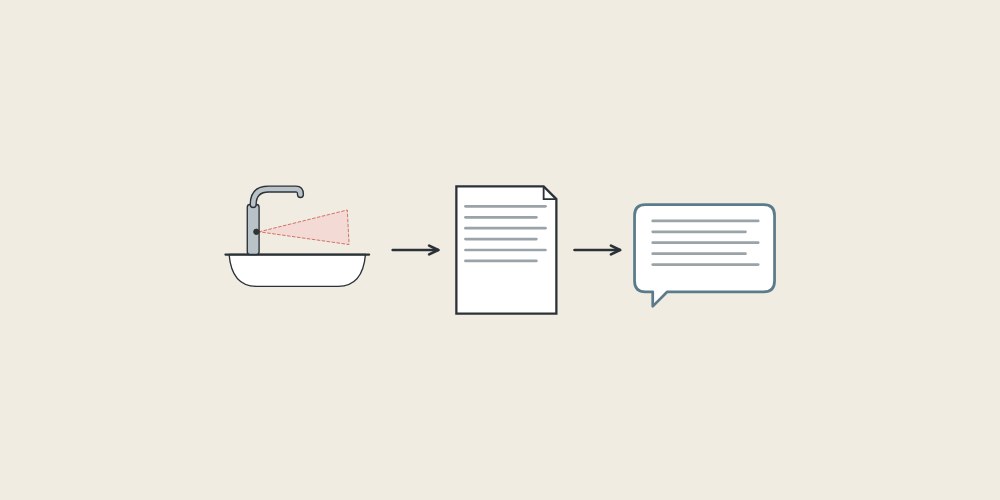
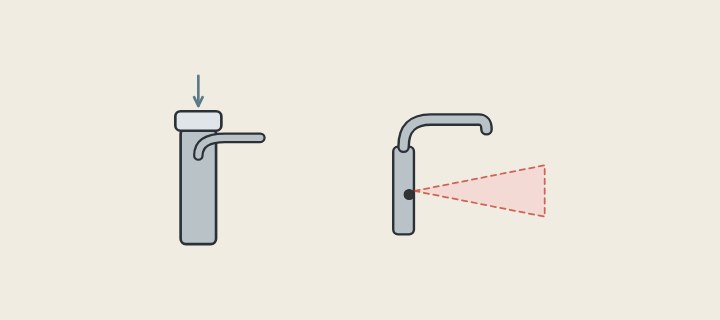
An active infrared sensor has an emitter and a receiver. In GROHE’s description, a transmission diode sends out infrared pulses; hands in range reflect them, and the reflection becomes an electrical signal.
Zurn describes the same principle in its AquaSense guide: invisible light rays are emitted continuously, hands in the detection zone reflect the beam to the receiver, and the resulting low-voltage signal activates a solenoid valve.
Makers try to reduce unwanted reflections. TOTO states that a polarizing plate makes its smart sensor less sensitive to mirrors and stainless steel while still responding to the diffuse reflection from hands.
| Term | What it means |
|---|---|
| Emitter | Sends out infrared light pulses. |
| Receiver | Detects light reflected back from an object. |
| Detection zone or range | The distance within which a reflection triggers the valve. |
| Solenoid valve | The electrically operated valve that opens and closes the water. |
| Run-on time | How long water keeps running after the hand leaves the zone. |
| Maximum running time | A safety shut-off if something stays in the zone. |
What happens between detection and shut-off?
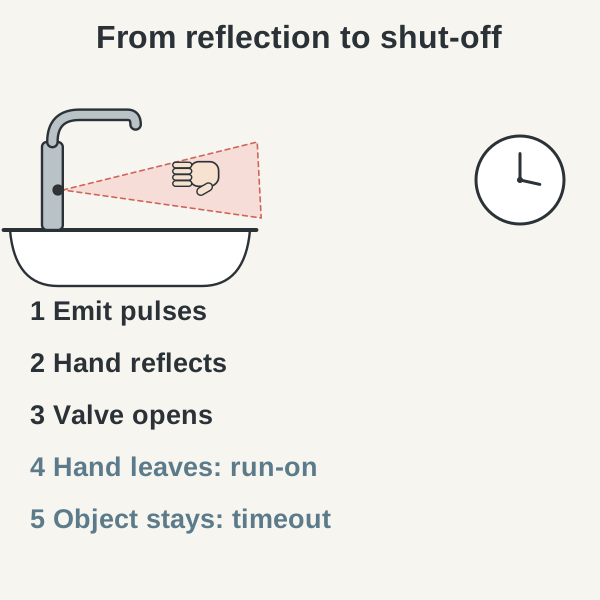
GROHE describes the cycle for its Bau Cosmopolitan E: the reflected signal opens the valve, and when the hand leaves the range the solenoid valve closes. Around that cycle, each maker sets its own timings:
- The emitter sends pulses continuously.
- A hand enters the zone and reflects them to the receiver.
- The control opens the solenoid valve.
- Water runs while the hand stays in the zone.
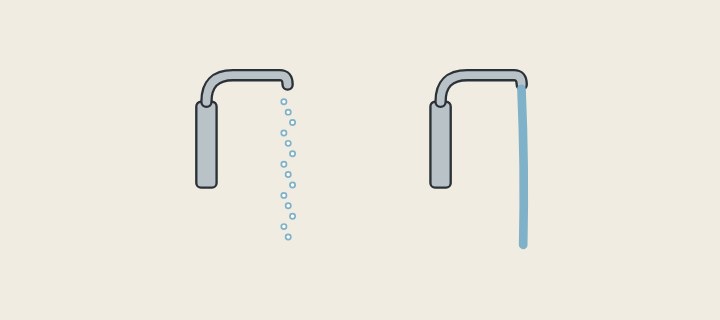
- The hand leaves, and water runs on for the set run-on time.
- If something stays in the zone, a maximum running time shuts the water off.
The timings differ by model. GROHE’s run-on time is adjustable from 0 to 19 s, factory-set to 1 s, and its maximum running time from 6 to 420 s. Hansgrohe’s Decor switches off after 10 s, Zurn’s AquaSense shuts off after 30 s, and Sloan lists a 30 s factory default timeout for its Optima EAF-150.
Which parts make up a sensor faucet?
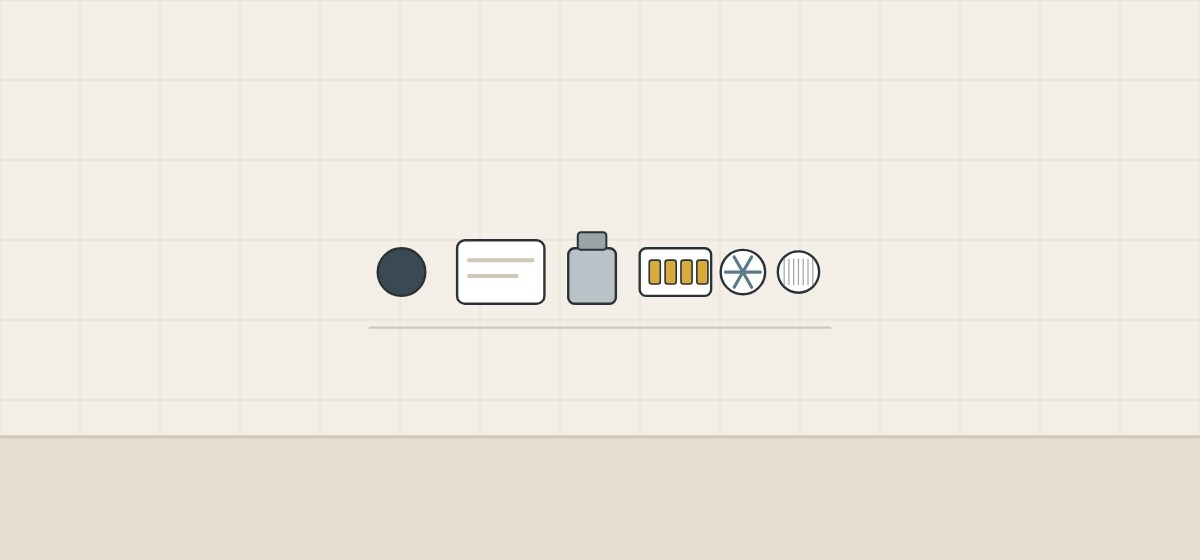
The sensor is only one part. Power supply, valve and filters affect how the faucet behaves in service.
| Part | Role and example |
|---|---|
| Sensor window | Covers the emitter and receiver; dirt or scratches affect detection. |
| Control module | Sets range, run-on time, timeouts and modes. |
| Solenoid valve | Opens and closes the flow; GROHE uses a bistable valve needing one pulse to open and one to close. |
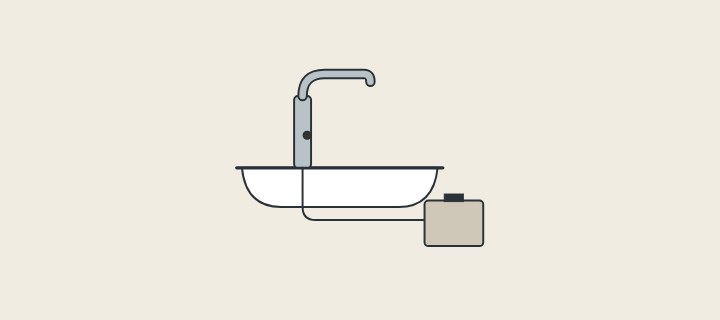
| Power supply | Batteries, mains or both; Chicago Faucets offers DC batteries, AC, or AC with battery backup. |
| Generator option | TOTO’s EcoPower uses a water-driven turbine to recharge the cells that power the sensor and valve. |
| Inlet filters | Chicago Faucets and Kohler fit filters at the supply or valve inlet that need cleaning. |
GROHE links its bistable valve to battery life of up to 7 years at about 150 cycles a day, and suggests mains power for very busy sites such as airports. Those figures belong to that GROHE model.
Infrared or capacitive: how do they differ?
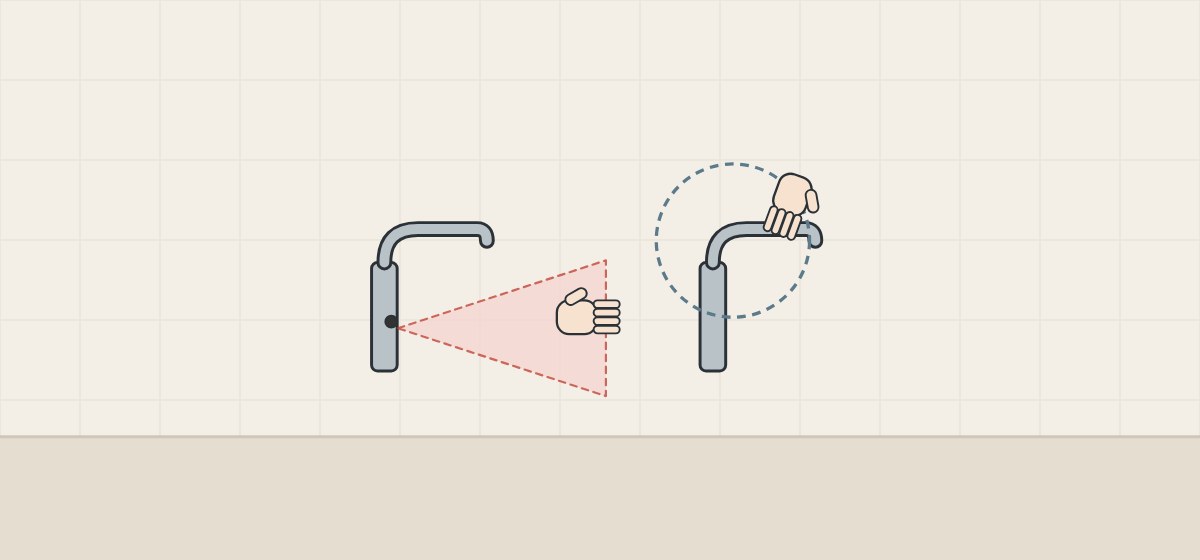
Not every touchless faucet uses infrared. The comparison below uses the makers’ own descriptions; the capacitive examples are residential kitchen faucets.
| Method | How it senses | Named examples |
|---|---|---|
| Active infrared | Emits infrared light and responds to the reflection from a hand. | GROHE, Zurn, Chicago Faucets and Sloan describe infrared sensors. |
| Infrared with polarizing plate | Filters reflections so shiny materials are less likely to trigger it. | TOTO smart sensor, by TOTO’s description. |
| Capacitive presence | Detects a person within about 4 in. of the faucet surface. | Delta Touchless Technology, residential. |
| Capacitive touch | Switches when a touch increases the measured capacitance. | Delta Touch2O, residential. |
None of these sources compares the methods’ reliability, and we found no manufacturer comparison with mechanical self-closing faucets. Treat the choice as a model question.
How are range, calibration and modes set?
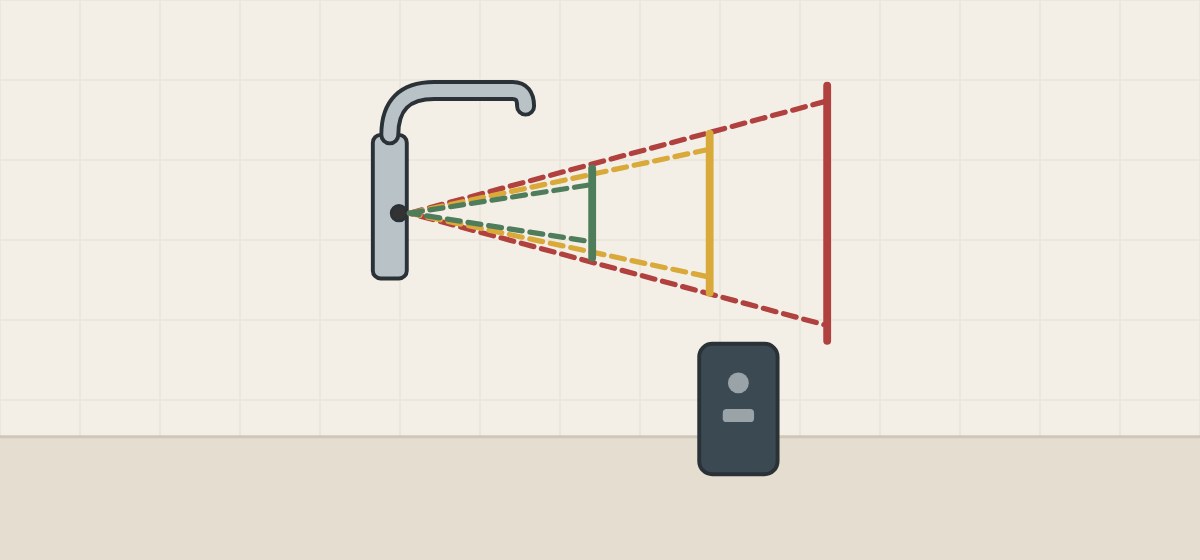
Several of the commercial models checked let the installer change how far the sensor reaches and how it behaves. The settings below come from named installation manuals; ask what adjustment, if any, the proposed model supports and who is responsible for setup.
Detection range
GROHE offers 20 levels; on washstands level 0 is about 7 cm from the sensor and level 19 about 20 cm. Chicago Faucets’ HyTronic adjusts from about 4 to 11 in., and Hansgrohe’s Decor covers about 160–200 mm with a shorter option.
Automatic set-up
Kohler’s faucet learns its range over two minutes at first power-up; Chicago Faucets calibrates for 15 s, and Hansgrohe re-adjusts over 30 s. The zone must be kept clear meanwhile.
Operating modes
HyTronic offers Normal, Metering (10 s), Scrub (60 or 180 s) and Cleaning modes.
Cleaning mode
In cleaning mode, GROHE deactivates the faucet for 3 minutes by default, adjustable up to 9, so cleaning does not start the water.
Hygiene flush
GROHE’s automatic flush runs 30–600 s at intervals of 4–80 h; Hansgrohe’s Decor rinses for 10 s every 24 h after last use.
How settings are changed
GROHE settings are changed by gestures in front of the sensor or by a remote control pointed at the infrared eye.
- Range setting chosen for the actual basin
- Calibration steps and the time the zone must stay clear
- Run-on and maximum running times
- Cleaning and hygiene-flush settings
See also: How should a buyer check a sensor faucet sample? · What should you send and ask before a quotation?
What makes water start too early or keep running?
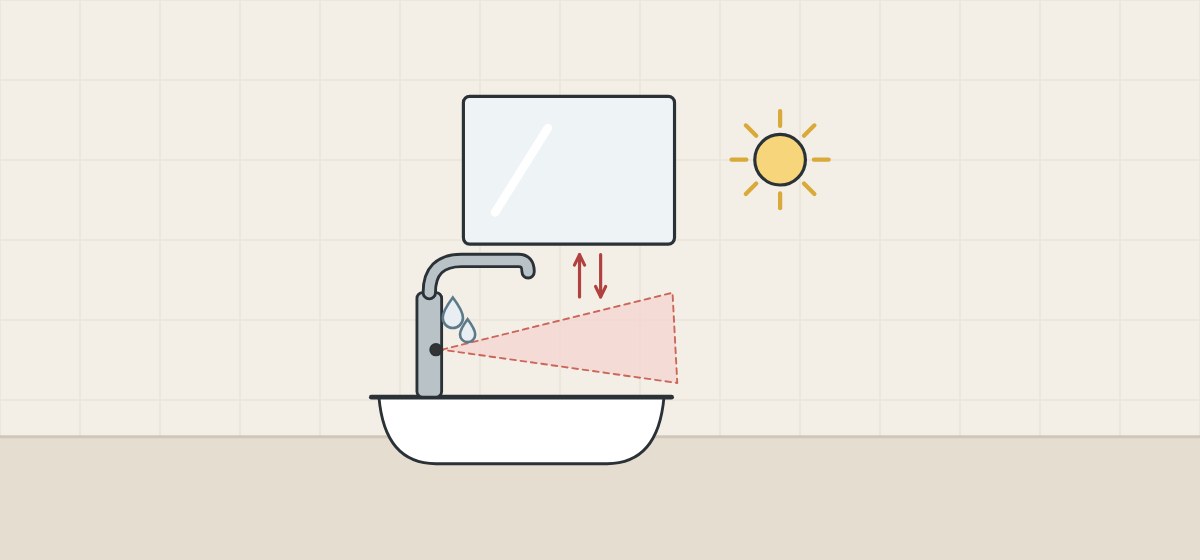
Troubleshooting sections name the causes directly. Not every one is a sensor problem.
Reflective surroundings
Chicago Faucets lists mirrors and stainless steel or glass sinks among the causes of a faucet turning on by itself. For too-reflective sinks or interfering overhead lights, HyTronic’s upper or lower beam can be switched off.
Clothing and people
GROHE notes that reflections from safety vests can start the flow and suggests reducing the detection area to the minimum.
Light and water on the window
Hansgrohe warns that strong light should not shine directly on the sensor window, and that water drops or condensation on it can start the water. A scratched or dirty window is also on Chicago Faucets’ list.
Installation angle
Kohler attributes intermittent activation to a faucet angled incorrectly to the deck or misaligned with the user area.
Continuous running can have other causes. Chicago Faucets lists an object in the range or supply pressure outside 20–125 psi, while Kohler and Zurn point to solenoid faults. None of the sources names dark clothing, basin depth or white basins as causes, so we do not list them.
What do accessibility rules and model claims cover?
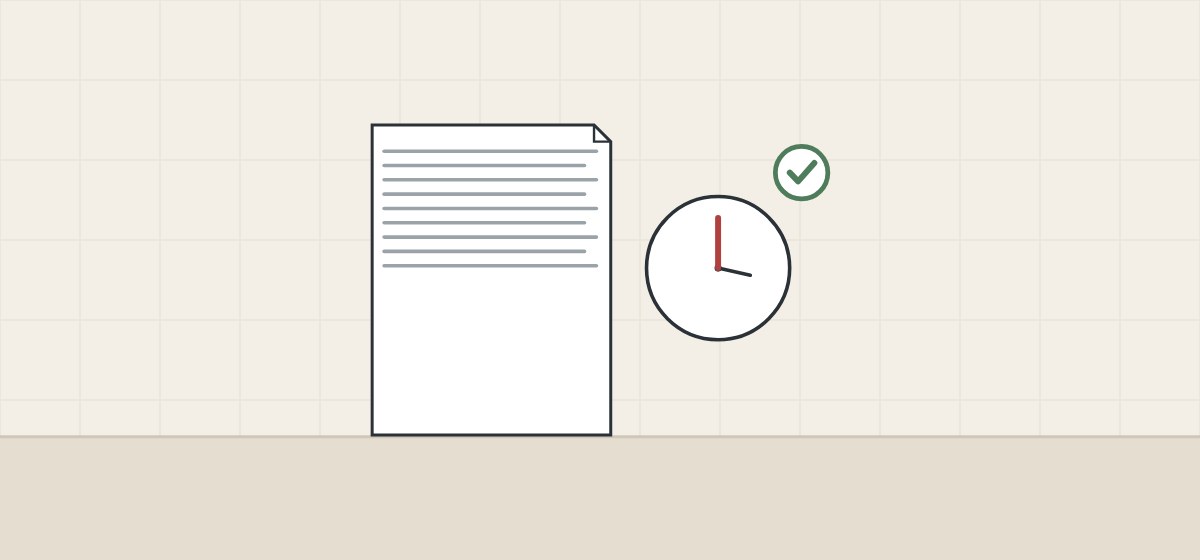
“ADA compliant” appears on some data sheets. The points below show what the rule itself and the claims actually say.
| What is stated | What it covers |
|---|---|
| 2010 ADA Standards 606.4: faucet controls must comply with 309. | Hand-operated metering faucets must stay open for at least 10 s. |
| Neither 606.4 nor 309 of the 2010 ADA Standards sets a detection range for sensor faucets. | Range is a model setting, not an ADA figure. |
| Sloan lists its EAF-150 as ADA compliant and ASME A112.18.1 compliant. | A self-declaration for that model. |
| TOTO lists a Standard EcoPower 0.5 GPM faucet as ADA compliant. | A self-declaration for that model. |
| Chicago Faucets states a default range about 1 in. beyond the spout. | The factory setting of one model, adjustable on site. |
How should a buyer check a sensor faucet sample?
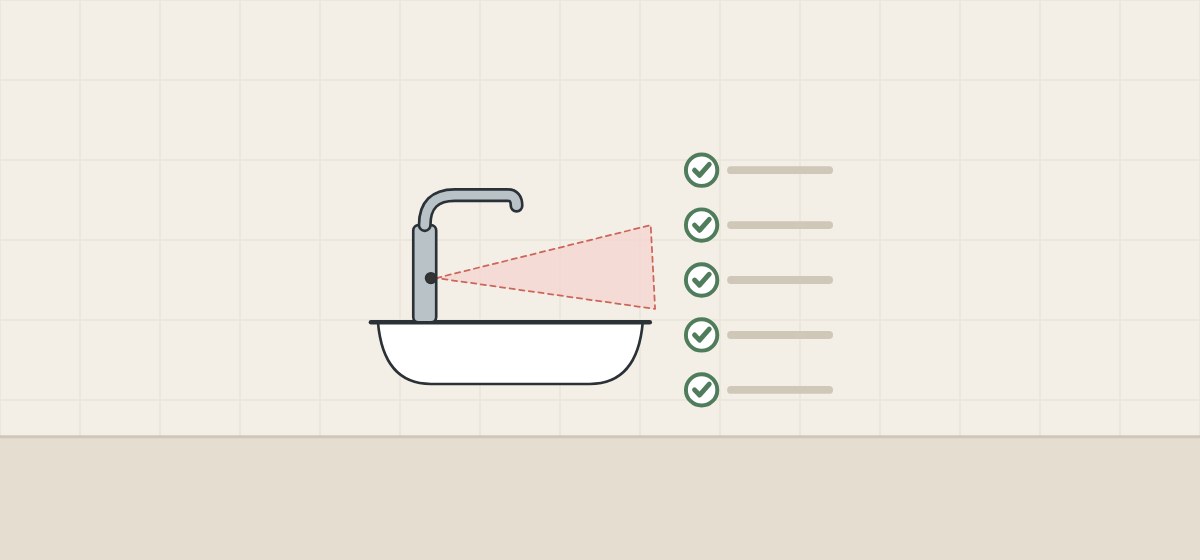
These steps apply the facts above to a project sample. They are procurement guidance, not the maker’s installation instructions.
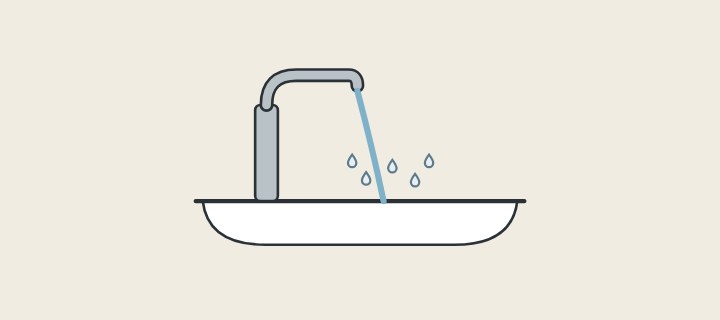
- Pair it with the real basin. Test on the basin model and finish that will be installed; where the water lands is a separate check from when the sensor starts.
- Follow the set-up routine. Complete the maker’s calibration with the zone kept clear.
- Record the range setting. Note the level or distance used, not just “default”.
- Test approach and use. Walk past, lean over and wash hands, and note when water starts and stops.
- Test the surroundings. Check with the mirror, lighting and any reflective clothing staff will wear.
- Record the timings. Note run-on time, maximum running time and cleaning mode.
- Agree the settings. Fix the approved settings in the order so every unit ships the same, and re-test if the basin or mounting position changes.
When a faucet keeps running
Check the sensor window and the zone first, then the supply pressure and the valve. Makers attribute continuous running to objects in range, pressure outside the stated band and solenoid faults, not only to the sensor.
What should you send and ask before a quotation?

A complete request lets the supplier propose settings that suit the actual washroom. Each question maps to a point earlier in this guide.
| Question | Why it matters |
|---|---|
| Which sensing method and model are offered? | Behavior and settings belong to that model. |
| What range settings are available? | Ranges and steps differ widely between models. |
| How is the sensor calibrated? | Set-up times and procedures differ. |
| What are the run-on and maximum times? | They set how long water runs; GROHE ties a long run-on to hygiene and 0 s to saving water. |
| What power supply is used? | Batteries, mains and generators need different service. |
| What compliance does the maker declare? | Claims such as ADA compliance belong to the named model. |
Include with your request
- Basin model, material and finish
- Mirror and lighting layout at the washstand
- Power available at each position
- Expected daily uses per faucet
- Required modes such as cleaning or hygiene flush
WNS Global confirms any offered faucet, settings and commercial terms separately in writing. This guide does not state that WNS Global supplies any brand named above or that its products hold any listed compliance.